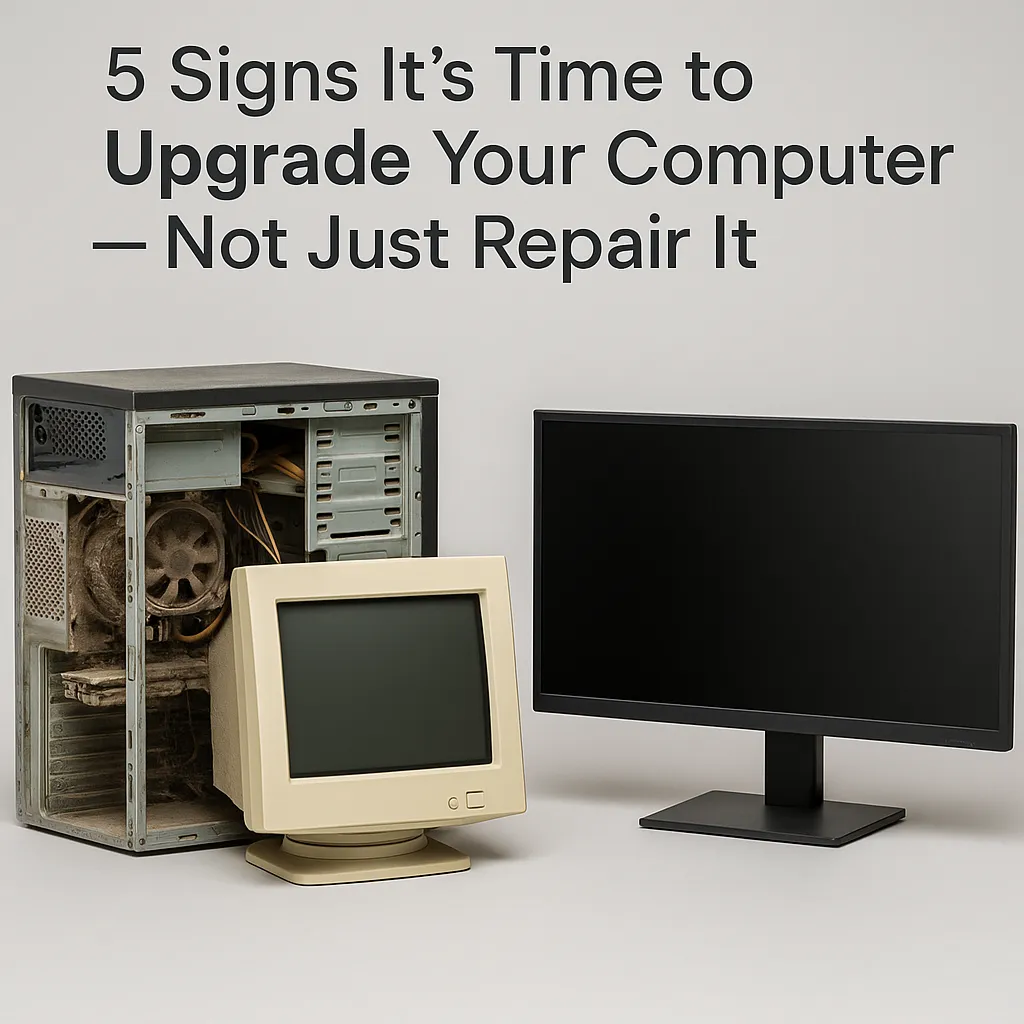
5 Signs It’s Time to Upgrade Your Computer — Not Just Repair It | Techy Charlestown
Your computer has been your daily partner for years — handling work, streaming, gaming, and everything in between. But over time, you may start noticing longer boot times, random freezes, or fan noise that sounds like a jet taking off. The truth is, every computer has a lifespan. While repairs can temporarily fix problems, there comes a point when upgrading is the more logical, cost-effective, and performance-boosting decision.
At Techy Charlestown, we see it every day — customers unsure if their slow system needs another repair or a complete replacement. This guide breaks down five undeniable signs that it’s time to upgrade, not just patch things up. Whether you use your computer for business, gaming, or personal projects, these insights will help you make a smart long-term choice.
Section 1: Understanding Computer Lifespan
Computers, like any technology, have a natural lifecycle. On average, most desktops and laptops last between 3–7 years depending on usage, maintenance, and hardware quality. After that, the hardware components — CPU, hard drive, RAM, and motherboard — start to show wear and tear that even repairs can’t fully restore.
If your computer constantly needs fixes or replacement parts, you might be spending more on repairs than what a new system costs. Even when you replace individual components, aging architecture and outdated compatibility often limit overall performance.
At Techy Charlestown, our experts often advise clients to evaluate repair costs against performance benefits. If upgrading hardware still doesn’t solve software limitations or system bottlenecks, it’s time to move on to a newer machine.
Section 2: The 5 Signs It’s Time to Upgrade Your Computer
Sign 1: Your System Can’t Keep Up with Modern Software
If your system struggles to run updated operating systems or freezes with new applications, that’s a red flag. Modern apps require more processing power, memory, and graphics capability. Older machines simply can’t keep up with evolving requirements.
For example:
Your browser crashes with too many tabs open.
Basic tools like Zoom or Photoshop lag frequently.
System updates are no longer compatible with your OS.
At this point, even upgrading RAM or SSDs won’t fully solve the issue. Software demands grow faster than old hardware can adapt. That’s when investing in a new device becomes more practical — ensuring faster performance and future-ready compatibility.
If you’re unsure, visit Techy Charlestown’s repair center to get a full system diagnostic. Our technicians can tell you whether an upgrade or a complete replacement will give you better long-term value.
Sign 2: Repair Costs Are Outweighing Value
When you find yourself repairing your computer every few months, it’s a sign that you’re patching a sinking ship. Replacing one part after another — from power supplies to logic boards — quickly adds up.
Ask yourself:
Have you spent more than half the cost of a new system on recent repairs?
Do you constantly need to visit a technician for new issues?
Has your warranty expired, leaving you to pay full price each time?
In those cases, the smarter move is to invest in a new system. The latest computers come with stronger processors, improved efficiency, and warranties that save you money in the long run.
At Techy Charlestown, you can also explore buy-back and trade-in options — making your upgrade more affordable by selling your old device for credit toward a new one.
Sign 3: Hardware Limitations Are Holding You Back
Sometimes, the issue isn’t performance glitches — it’s limitations that can’t be bypassed. For example:
Your motherboard doesn’t support more RAM or a new graphics card.
Your storage interface (like SATA) limits data transfer speeds.
Your CPU socket is outdated and incompatible with modern chips.
Even if you want to upgrade, the hardware design of older systems simply doesn’t allow it. This limits your productivity and can create compatibility problems with new peripherals.
A newer computer gives you access to modern ports (USB-C, Thunderbolt, NVMe SSDs) and faster connectivity. Plus, the latest models are built for power efficiency, reducing heat output and energy consumption — benefits no repair can match.
To check upgrade options for your current model, you can always contact our team for expert advice before making your next move.
Sign 4: Performance Bottlenecks Are Affecting Your Work
If your system frequently lags, freezes, or fails during high-load tasks like video editing, programming, or gaming, it’s a clear signal of a performance bottleneck. Repairs can temporarily improve speed, but underlying architectural limits remain.
Common performance bottlenecks include:
Old HDD instead of SSD
Low RAM (below 8 GB)
Aging graphics card
Overheating and thermal throttling
If you’ve already optimized software, upgraded basic components, and still face these issues, upgrading your machine is the logical step.
At Techy Charlestown, we offer a range of new systems pre-configured for high-performance workloads. From student laptops to gaming PCs, our inventory covers every need — giving you reliability that repair-only fixes can’t deliver.
Sign 5: Your Computer No Longer Meets Your Lifestyle or Work Needs
Technology evolves rapidly, and so do our habits. If your computer can’t handle the multitasking you do today — streaming, editing, remote work, and security demands — it’s time for an upgrade.
You might notice:
Short battery life that interrupts productivity.
Incompatibility with new accessories or Wi-Fi 6 routers.
Excessive fan noise or overheating under minimal load.
At this stage, repairing an aging device may give temporary relief, but it doesn’t align with modern workflows. New computers offer longer battery endurance, faster connectivity, and integrated AI-based performance optimizations.
You can browse the latest arrivals directly at Techy Charlestown’s store or book a consultation to compare your options before committing.
Section 3: The Real Cost of Delaying an Upgrade
Many users keep repairing because it feels cheaper upfront. However, the hidden costs of old technology — inefficiency, downtime, and reduced productivity — add up fast. Every extra minute spent waiting for a system to boot or load files translates into lost time and missed opportunities.
Additionally, aging systems are more vulnerable to security threats due to outdated firmware and unsupported OS versions. Delaying an upgrade exposes your data to unnecessary risks. The longer you hold off, the higher your maintenance and security costs become.
By choosing to upgrade, you’re investing in smoother workflow, peace of mind, and energy-efficient performance — not just a faster machine.
Section 4: How to Transition Smoothly to a New Computer
If you’ve decided it’s time to upgrade, the next step is planning the transition. Here’s a simple process to make the switch effortless:
Backup Your Data — Use cloud storage or an external drive.
Evaluate Your Software Needs — Check licenses and compatibility for essential apps.
Transfer Files Securely — Techy Charlestown can assist with full data migration.
Set Up System Protection — Enable antivirus and update security patches immediately.
Recycle or Sell Your Old Device — Visit our sell-a-device page for eco-friendly disposal or trade-in offers.
Our team also offers in-store assistance to guide you through choosing the right specs and setup based on your needs. Whether you’re upgrading for work, gaming, or study, we’ll help you find the perfect match.
Section 5: Why Choose Techy Charlestown for Your Upgrade
1. Expert Guidance:
Our technicians provide honest, personalized advice — not just sales pitches.
2. Wide Range of Devices:
Explore desktops, laptops, and accessories through our buy-a-device store.
3. Data Transfer Support:
We help move your important files safely and securely.
4. Trade-In Options:
Get instant value for your old tech via sell-a-device.
5. Local Service with Trusted Support:
Located conveniently — find us on our locations page for fast, in-person help.
When you’re ready to upgrade, contact Techy Charlestown or visit our repair experts in-store to discuss the best system for your lifestyle.
Conclusion
Deciding whether to repair or upgrade your computer isn’t always easy, but these five signs make the choice clearer. When your machine struggles with performance, compatibility, or recurring issues, it’s often better to move forward than keep patching the past.
A new system isn’t just about speed — it’s about stability, security, and adapting to your evolving digital life. At Techy Charlestown, we’re here to make that upgrade experience seamless, affordable, and tailored to your goals.
FAQs
Q1: How do I know if my computer is too old to repair?
If your system is over five years old and can’t run the latest operating systems or essential software, it’s likely time to upgrade.
Q2: Can upgrading parts like RAM or SSDs extend my computer’s life?
Yes, but only temporarily. Once the motherboard, CPU, or GPU becomes outdated, upgrades offer limited improvement.
Q3: Is it worth repairing an old laptop battery?
If your device is under three years old, a new battery can help. Beyond that, consider replacing the entire unit for better efficiency.
Q4: What happens to my data when I upgrade?
Techy Charlestown provides secure data backup and transfer during upgrades, ensuring nothing important is lost.
Q5: Can I trade in my old computer?
Absolutely! Visit our sell-a-device page to trade your device for store credit or cash.
Disclaimer
This blog post is for informational purposes only. It does not substitute professional repair or hardware consultation. Always seek expert advice before making purchasing or repair decisions.


