Common Computer Repair Issues and How to Avoid Them | Techy Charlestown
Experiencing sudden crashes, overheating, or slow performance on your PC or laptop? You’re not alone. Computers are essential in today’s world, and even minor issues can lead to major frustrations. At Techy Charlestown, we specialize in diagnosing and fixing all kinds of computer problems — fast and affordably. This blog walks you through the most common computer repair issues, what you can try at home, and when it’s time to visit a pro.
Section 1: Problem – My Computer Is Running Extremely Slow
Why It Happens:
Too many startup programs
Low RAM or an aging hard drive
Malware or software conflicts
Try This First:
Use Task Manager to disable unnecessary startup items
Run a virus scan
Clear temporary files with Disk Cleanup
When to Get Help:
If performance is still slow, your PC might need a RAM upgrade or an SSD installation. Visit our Computer Repair team in Charles Town.
Section 2: Problem – My Laptop Keeps Overheating
Why It Happens:
Dust in vents or fans
Poor airflow from blocked vents
Background processes overloading CPU
Try This First:
Clean the vents with compressed air
Use the laptop on a hard surface, not fabric
Monitor temperatures using HWMonitor or similar tools
When to Get Help:
If overheating continues, your cooling system may need servicing. Our experts at Techy Charlestown handle laptop repair near me fast and affordably.
Section 3: Problem – My Screen Is Flickering or Cracked
Why It Happens:
Physical damage
Loose internal cable
Graphics driver issues
Try This First:
Update your display drivers
Gently press the screen bezel to test cable connection (if comfortable)
When to Get Help:
For physical damage or failed attempts, visit our Screen Repair page to fix phone screens or laptops today.
Section 4: Problem – I Keep Losing Wi-Fi or Bluetooth Connection
Why It Happens:
Outdated drivers
Faulty Wi-Fi card
Interference or router issues
Try This First:
Restart your router
Reinstall wireless drivers
Use the network troubleshooter tool in your settings
When to Get Help:
Persistent connection problems may require hardware replacement. Get help at our computer repair + location center.
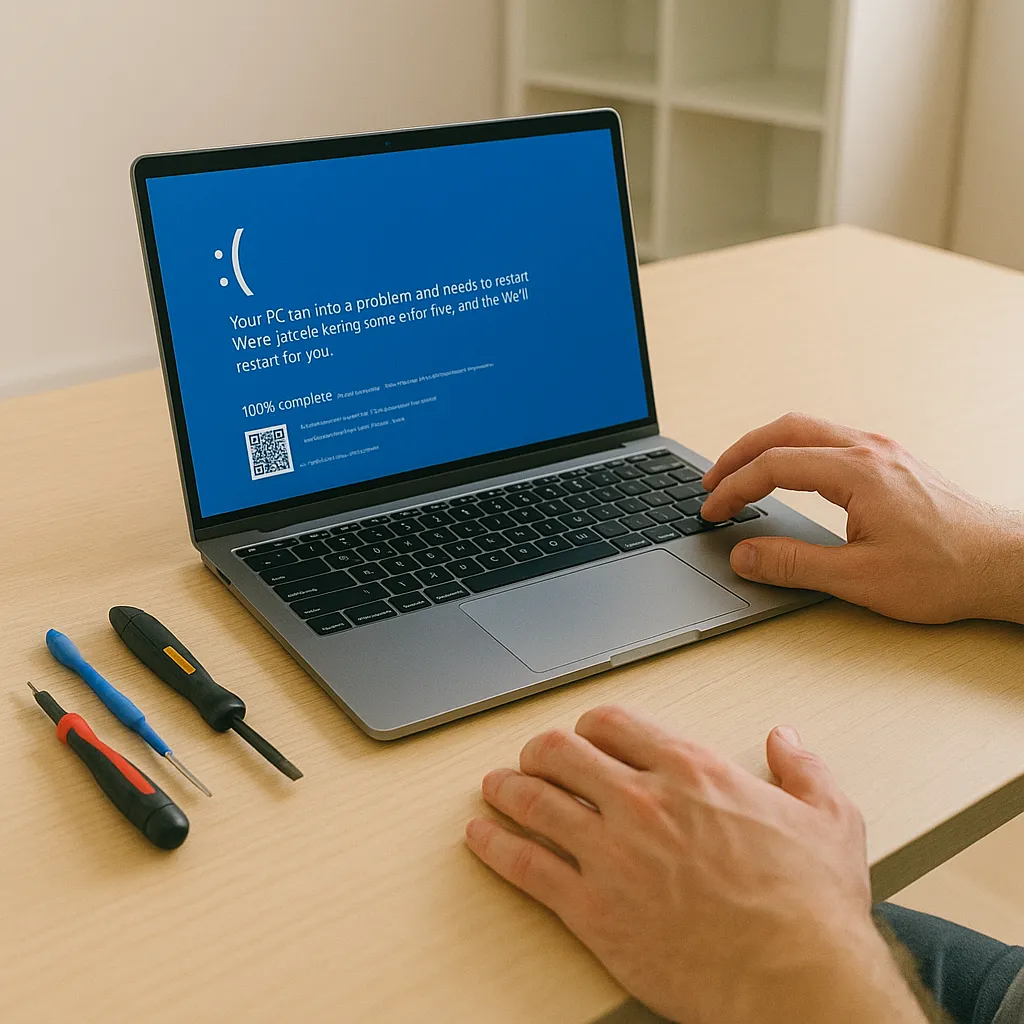
Section 5: Problem – Blue Screen Errors (BSOD)
Why It Happens:
Corrupt drivers
Failing RAM or hardware
Software conflicts
Try This First:
Write down the error code
Boot into Safe Mode and run a system restore
When to Get Help:
Consistent BSODs may require diagnostics. Come to Techy Charlestown for computer repair near me with real answers.
Bonus Tips: How to Prevent These Issues
Keep your system updated
Install reliable antivirus protection
Backup regularly
Don’t ignore early warning signs
Looking for more than just computer help? We also provide:
Console repair near me including Xbox repair, PS5 repair, and PlayStation repairs
Apple Watch repair and Samsung repairs
Options to buy a used iPhone, sell my iPhone, or buy a used smart watch
Why Locals Trust Techy Charlestown
Fast, same-day service
Certified techs for all brands: Apple, Dell, HP, Lenovo, Samsung
Warranty on parts and labor
FAQs
Q1: Can I fix a slow computer at home?
Yes, by clearing files and disabling startup items. But if it’s still slow, it’s time for a pro.
Q2: Should I open my laptop to clean dust?
Only if you’re experienced. Otherwise, let our techs safely handle the internals.
Q3: Is a cracked laptop screen repairable?
Absolutely. We replace screens on laptops, tablets, and phones.
Q4: How do I know if my hard drive is failing?
Clicking sounds, data loss, and slow boots are signs. We offer diagnostics to confirm.
